Apps & business platforms
Customer-facing products and the tools your team needs to run them.
 KLDD TRADING
We build iOS and Android apps that connect customers with the people and systems behind your business.
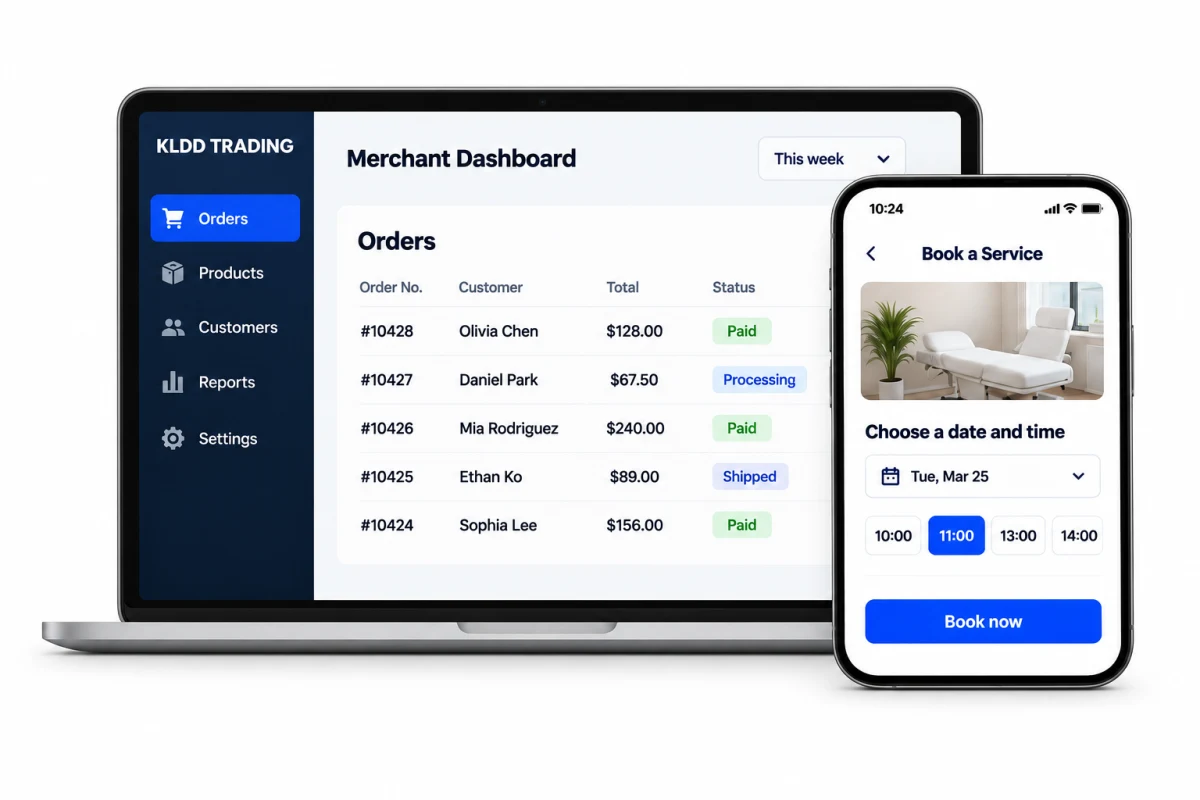
Let customers book or order from their phones. Give your team a shared workspace to manage what happens next.
See our mobile development scopeCustomer-facing products and the tools your team needs to run them.
Software for wallet interactions, market data and trade operations.
Bring market data, order activity and operational status together so teams can monitor the workflow from one place.
Explore trading system development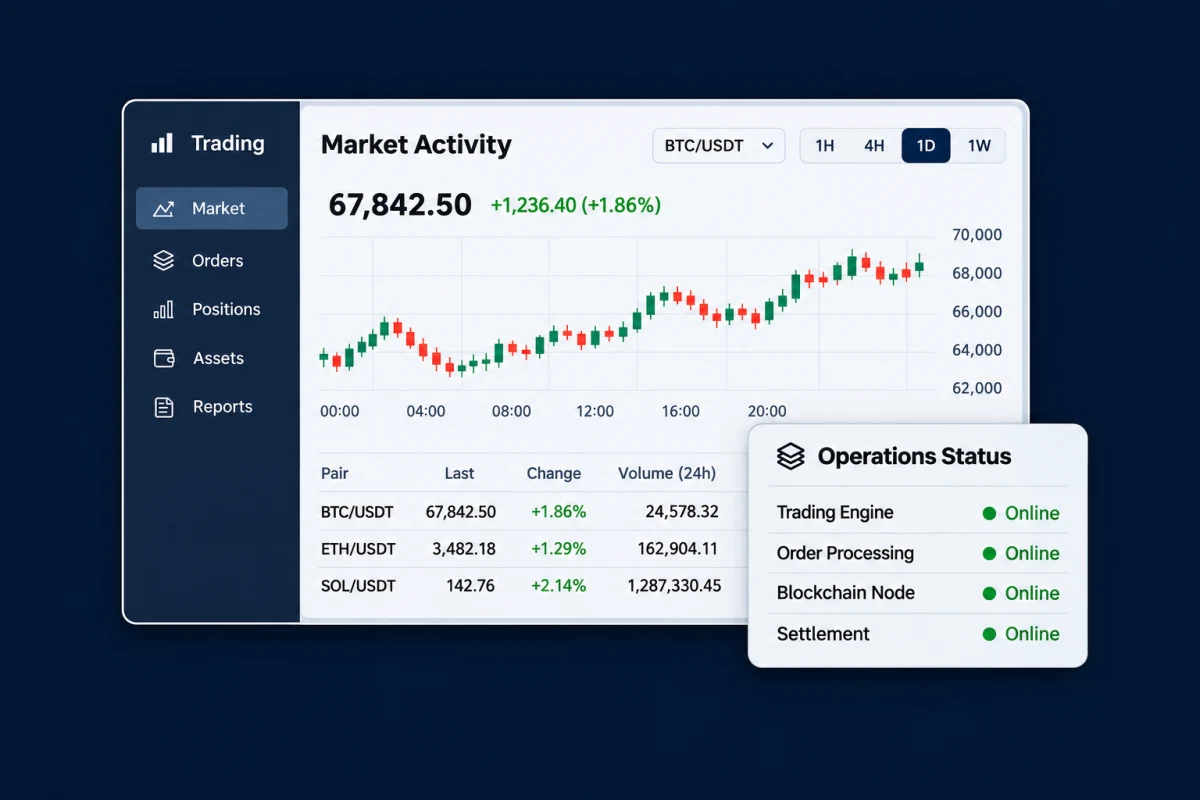
Example projects
See how the pieces fit together for three common project scopes.
Customers can book or reschedule online while staff manage availability in a shared dashboard.
Explore this solution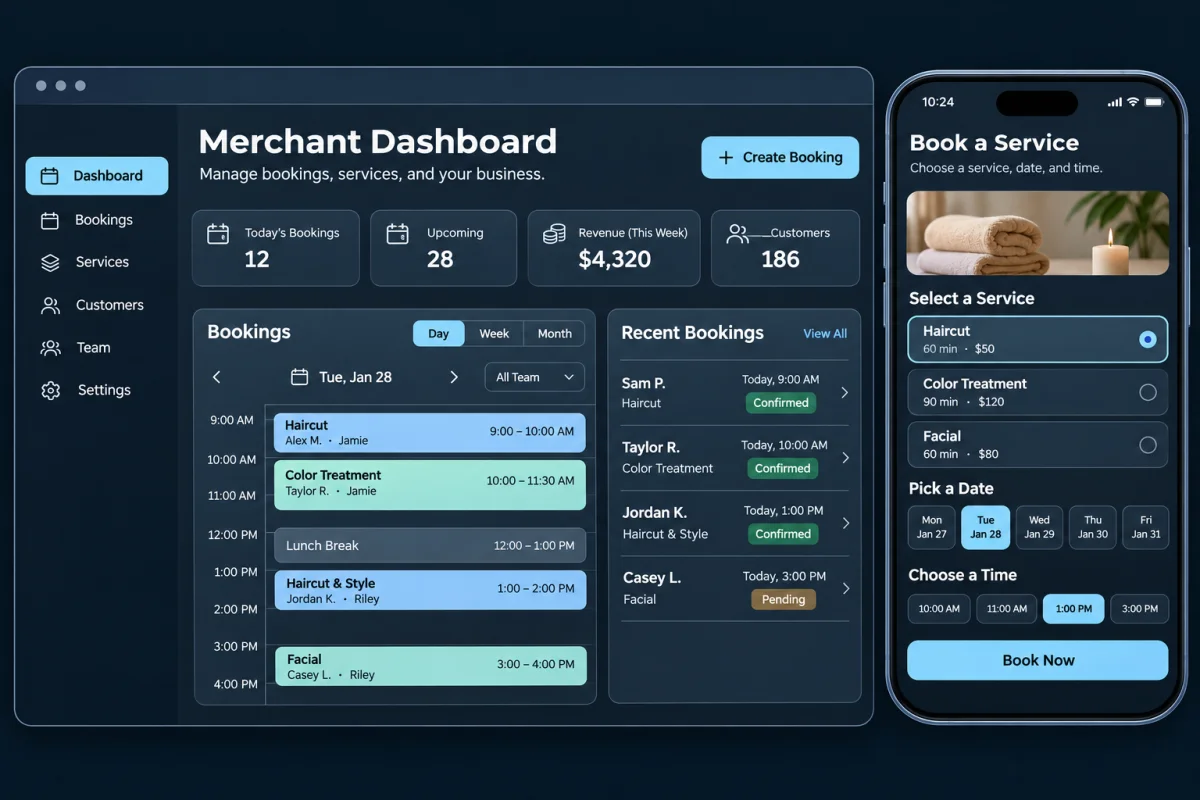
Give customers order visibility and give staff one queue for fulfilment and exceptions.
Explore this solution
Bring order history, market activity and reconciliation into one operational workspace.
Explore this solutionWe start with the workflow, choose a manageable first release and agree how to verify it.
About KLDD TradingDelivery
Map who will use the system, how they work today and where the project should improve that workflow.
Output: workflow map and project goals
Agree on first-release features, sketch key screens and identify the systems that need to connect.
Output: release scope and prototype
Implement in stages and check the main workflows, permissions and failure states in a test environment.
Output: testable build and acceptance checklist
Prepare the release and document how your team can operate and maintain the system.
Output: release and operating notes
Evaluate the tools that fit your existing software and operating requirements.
Planning your project
Yes. Start with the workflow that delivers the most value, such as a merchant dashboard. We can plan the data and integrations around the channels you intend to add later.
We can assess the existing system and its available APIs, data exports and access requirements. That tells us which parts can be integrated and where additional work is needed.
Bring a short description of the problem, who uses the system, the workflows the first release needs, and any existing system it must connect to. Screenshots or sample workflows are helpful if you have them.
An estimate depends on the features, platforms, integrations and testing needed. Separating the first release from later additions makes it easier to agree on what the estimate covers.
The schedule depends on the scope, access to existing systems and how quickly your team can review decisions. If you have a target launch date, mention it early so we can discuss what fits into the first release.
Yes. A shared backend can keep orders, catalogs and account records consistent across the app, website and dashboard. We define which system owns each record and what each user role can see or change.
Your team can review a prototype before development and try the working software in a test environment. Use representative tasks, such as placing an order and resolving an exception, to check that the workflow fits. See how we validate a build.
Release preparation can include device testing and preparing the builds and information needed for submission. We agree early on who manages the developer accounts, store listings and submission.
We agree on handover items during scoping. These can include a release checklist and operating notes for access, configuration and routine tasks. Confirm any source code, infrastructure access or documentation your team needs as part of that scope.
Include maintenance and follow-up work in the scope discussion. Agree on who monitors the system, handles issues and prioritizes updates so your team knows who is responsible after launch.
When a suitable test network is available, it can be used to check wallet connections, transaction confirmation and contract interactions before a production release.
Email us to discuss what you want to build.